Create a new Simulation
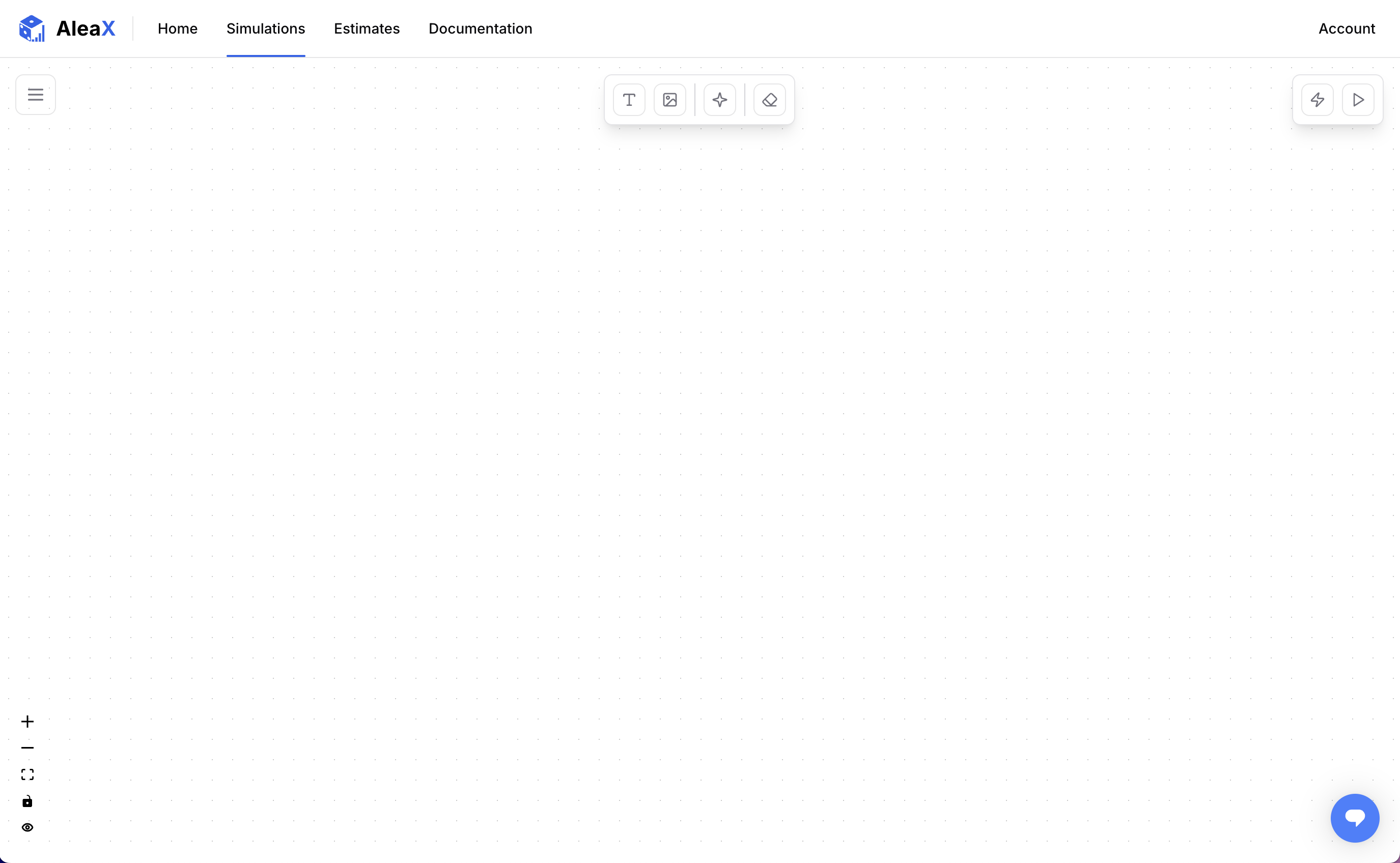
In your workspace, go to the Simulation page and click on Create to create a new simulation. You can also use the Playground for this tutorial.
Enter the following values in the Create Simulation form:
- Name →
Lemonade Stand - Description →
“Will our lemonade stand be profitable?”
Click on Create to create our Lemonade Stand simulation.
You will be automatically redirected to the Simulation Editor to edit our new simulation.